

To add an HTML email signature on iPhone: email the signature to yourself, open the email in Mail, select and copy the signature, go to Settings › Apps › Mail › Signature, paste it in, then shake the iPhone and tap Undo to strip the formatting iOS adds. Your next email will use the full HTML signature.

Apple’s Mail app has no HTML signature editor, but it will happily keep a formatted signature if you paste one in. This works for Mail on iPhone and iPad; the Gmail and Outlook apps have their own signature settings.
How to add an HTML signature on iPhone, step by step
-
Send yourself an email with your signature in it.
Use the email program on your computer where the signature already works, or open the HTML file in a browser, select everything and paste it into a new email. Don’t have an HTML signature yet? There’s a simple template at the bottom of this post.
-
Copy the signature on your iPhone.
Open the email in the Mail app. Touch and hold on part of the signature that isn’t a link, then drag the selection handles until the whole signature is highlighted. Tap Copy.
-
Paste it into your signature settings.
Go to Settings › Apps › Mail › Signature (on iOS 17 and earlier, Settings › Mail › Signature). Choose All Accounts or Per Account, clear the existing text, then tap in the box and choose Paste.
-
Shake to undo Apple’s changes.
iOS “tidies up” rich text when you paste it, which usually breaks the layout. Straight away, shake your iPhone and tap Undo Change Attributes. If Shake to Undo is turned off, swipe left with three fingers instead.
-
Send a test email.
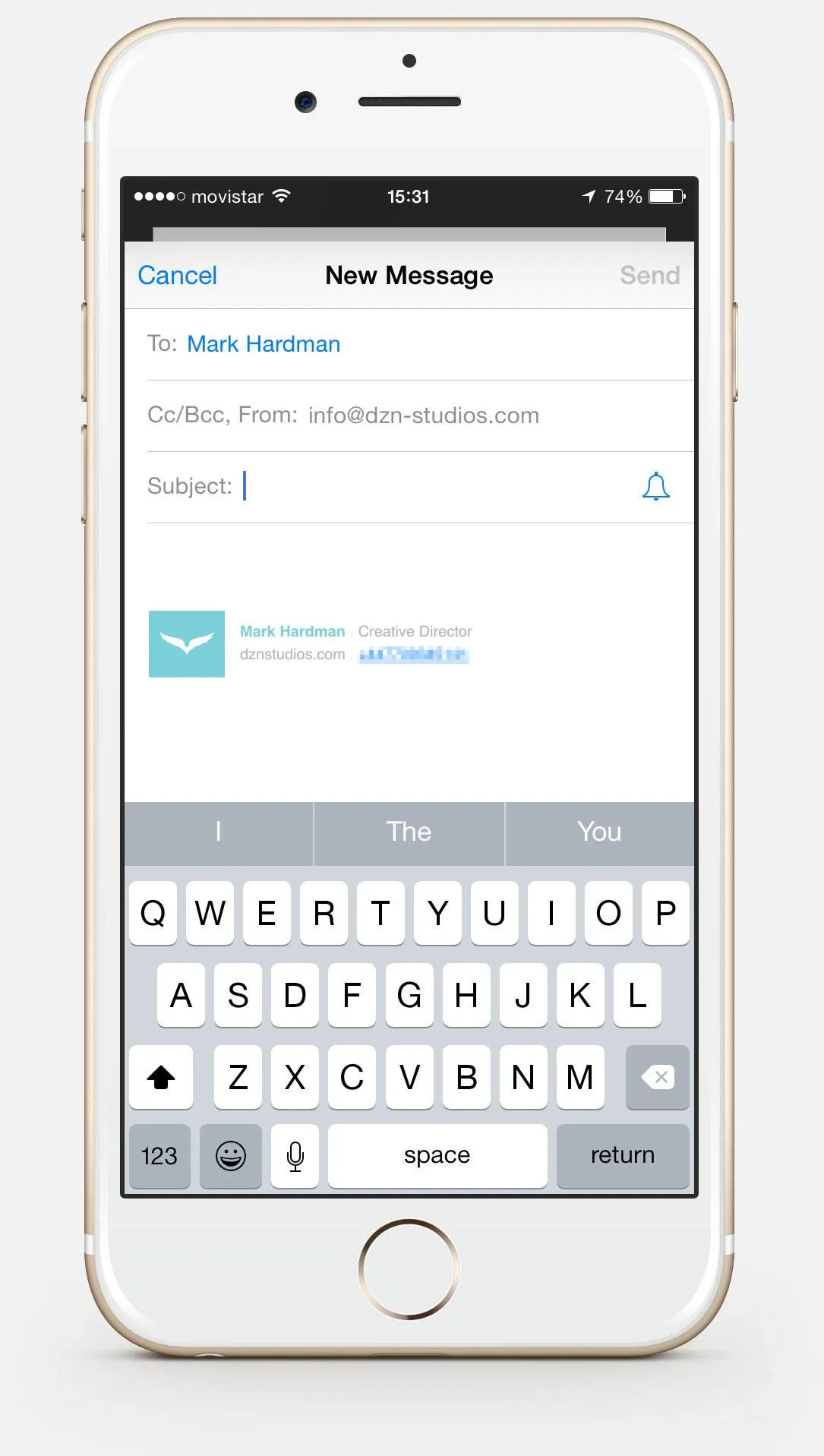
Go back to Mail, write a new message, and check the signature. Send it to yourself and to a colleague on a different email provider to make sure it displays properly.
Tips for a signature that displays everywhere
- Host images online. Logos and icons must be images on a website, linked by their full web address. Attached images won’t carry over.
- Use simple HTML. Tables and inline styles display more reliably across email apps than modern CSS.
- Keep it small. A logo around 100–150 pixels wide, a name, a role, one phone number and a website is plenty.
- Check it again after iOS updates. Signatures occasionally reset or lose formatting after a major update.
A simple HTML signature template
Replace the details and the logo address, save it as an .html file, open it in a browser, and copy it into an email to start step 1.
<table cellpadding="0" cellspacing="0" style="font-family:Arial,sans-serif;font-size:13px;color:#333333;">
  <tr>
    <td style="padding-right:12px;vertical-align:top;">
      <img src="https://www.example.com/logo.png" width="60" alt="Company logo">
    </td>
    <td style="border-left:1px solid #dddddd;padding-left:12px;">
      <strong style="font-size:14px;">Your Name</strong><br>
      Job title, Company<br>
      <a href="tel:+447700900123" style="color:#2a7fa0;text-decoration:none;">07700 900123</a><br>
      <a href="https://www.example.com" style="color:#2a7fa0;text-decoration:none;">www.example.com</a>
    </td>
  </tr>
</table>
Frequently asked questions
Can you use an HTML email signature on iPhone?
Yes, in Apple’s Mail app, although there is no HTML editor. You send yourself an email containing the signature, copy it from the message, paste it into Settings › Apps › Mail › Signature, then shake the phone and tap Undo to remove the formatting iOS adds on paste.
Where is the email signature setting on iPhone?
On iOS 18 and later it is in Settings › Apps › Mail › Signature. On iOS 17 and earlier it is in Settings › Mail › Signature. You can set one signature for all accounts or a different one for each.
Why does my signature look wrong after I paste it?
iOS reformats rich text when you paste it into the signature box. Straight after pasting, shake the iPhone and tap Undo to remove those changes. If shaking is turned off, swipe left with three fingers to undo instead.
Can I add a logo to my iPhone email signature?
Yes, as long as the logo is an image hosted online and referenced in the HTML by its web address. Images attached directly to an email won’t carry over into the signature reliably.


